You just bought a stock. It is up 12%. Then it drops 8% in ten minutes on no real news. Do you sell?
A stop-loss order answers that question before you have to think about it. It is a standing instruction to your broker: sell this stock automatically once it hits a price you set. No panic, no staring at the screen all day.
But a stop-loss is not free protection. It can also sell you out at the exact wrong moment, right before a stock snaps back. Knowing when it helps and when it hurts is the difference between using a tool and getting used by one.
What is a stop-loss order
A stop-loss order tells your broker to sell a stock once it falls to a specific price, called the stop price. You buy a stock at $50, set a stop-loss at $45, and if the price hits $45, the sale triggers automatically.
The goal is simple. Cap your downside without watching the market every minute. Investors use stop-losses on individual stocks, on ETFs, and on positions they cannot monitor during work hours.
A stop-loss does not guarantee you exit at $45. It guarantees the order fires at $45. What happens next depends on how fast the price is moving, and that is where things get messy.
How a stop-loss order triggers and executes
Once your stop price is hit, the order converts into a market order. A market order sells at the best available price right now, not at a specific number.
In a normal, orderly market, that barely matters. The stock ticks down to $45, your shares sell around $45, done.
In a fast-moving market, it is a different story. If the price gaps down through your stop level in seconds, your shares might sell well below $45. A standard stop-loss has no floor built in.
A few things worth knowing before you set one:
- The stop price and the execution price are not the same thing.
- Stop-losses can be placed on both long and short positions.
- Most brokers let you set a stop as a percentage below purchase price or as a fixed dollar amount.
That gap between trigger price and fill price is small most days. It becomes a real problem during sudden volatility, exactly when investors count on the order the most.
The risk of getting stopped out too early
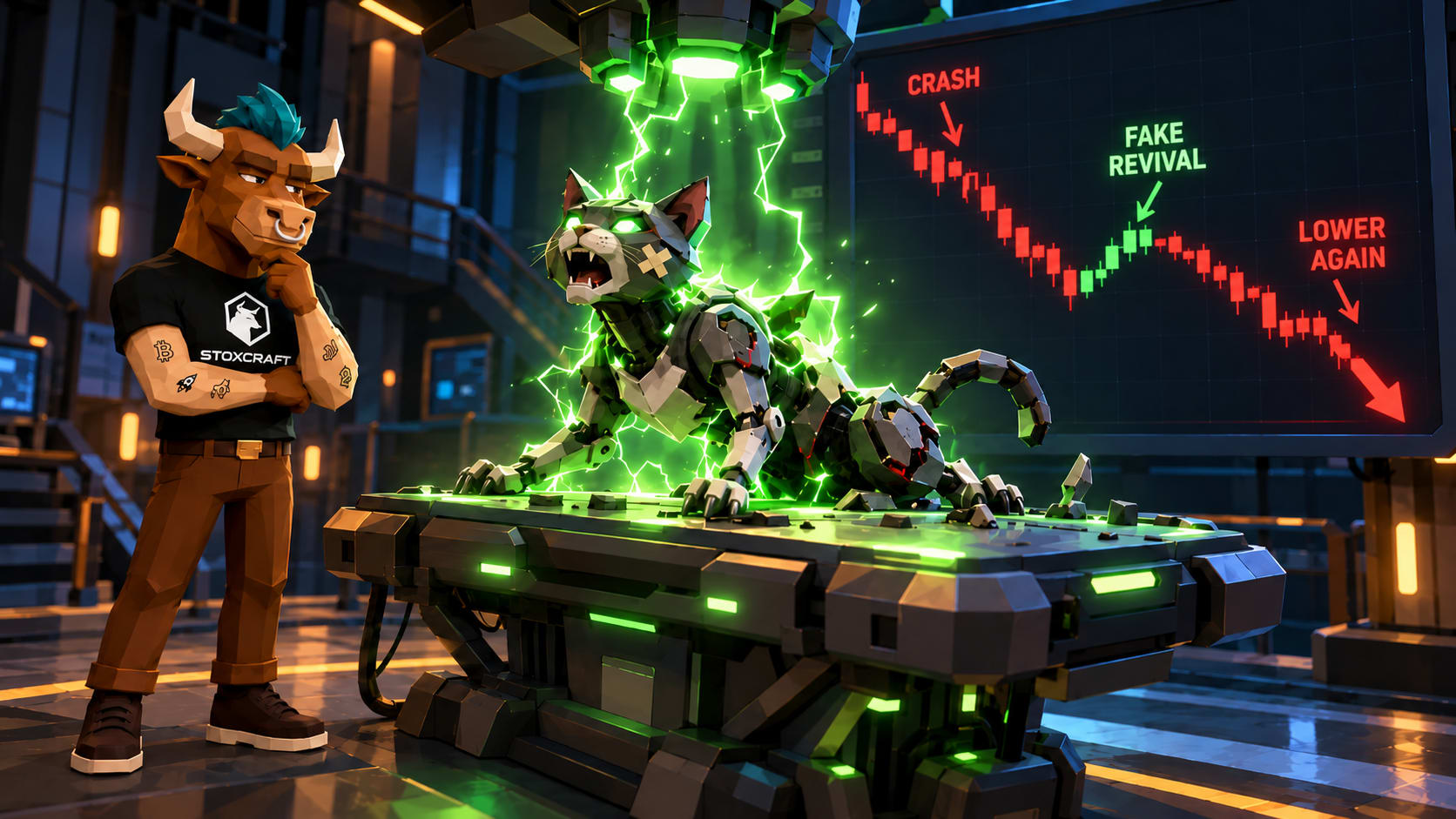
Here is the uncomfortable part. A stop-loss order does not know the difference between a real breakdown and a brief, meaningless dip.
That distinction mattered on May 6, 2010, when the Dow Jones Industrial Average briefly plunged more than 1,000 points and temporarily wiped out nearly $1 trillion in market value before recovering most of the loss within the hour. Thousands of standing stop-loss orders triggered during those minutes. Investors sold at panic prices and watched the same shares climb back before the closing bell.
It happened again in January 2021, when GameStop shares plunged 44% in a single day and triggered 19 volatility halts. Anyone with a stop-loss sitting in that stock got sold out somewhere in the chaos, whether the drop made sense or not.
That is the core trade-off:
- A stop-loss protects you from a genuine, sustained decline.
- It can also force you out during a temporary spike in volatility, locking in a loss that would have reversed on its own.
Stop-loss vs. stop-limit orders
A stop-limit order works almost the same way, with one key difference. Try the simulator below first. Set your own price lines, hit play, and watch whether the order fills or gets blown right past.
Now that you have seen it in action: instead of converting into a market order when triggered, a stop-limit order converts into a limit order.
That means you set two prices: the stop price that activates the order, and the limit price below which you refuse to sell. If the stock falls to your stop price, the sell order goes live, but it only fills at your limit price or better.
The upside is control. You will never sell for less than your limit. The downside is that control comes with no guarantee of execution. If the price falls straight through your limit without pausing, the order sits unfilled and you keep a losing position you were trying to exit.
A quick way to think about the trade-off:
- Stop-loss order: guarantees an exit, does not guarantee the price.
- Stop-limit order: guarantees the price, does not guarantee an exit.
Neither version is objectively better. A stop-loss suits investors who care more about getting out than about the exact price. A stop-limit suits investors who would rather hold a bad position than sell it at a fire-sale price during a crash.
A stop-loss order is a tool, not a strategy
A stop-loss order does one job well. It removes emotion from the exit decision. It does not analyze why a stock is falling, and it cannot tell a real breakdown from a temporary scare.
Treat it as one piece of a broader approach to risk management, not a substitute for understanding what you own. Set the stop with the stock's normal volatility in mind, decide whether you want a market order or a limit order behind it, and remember that no automated rule replaces paying attention to your own portfolio.